
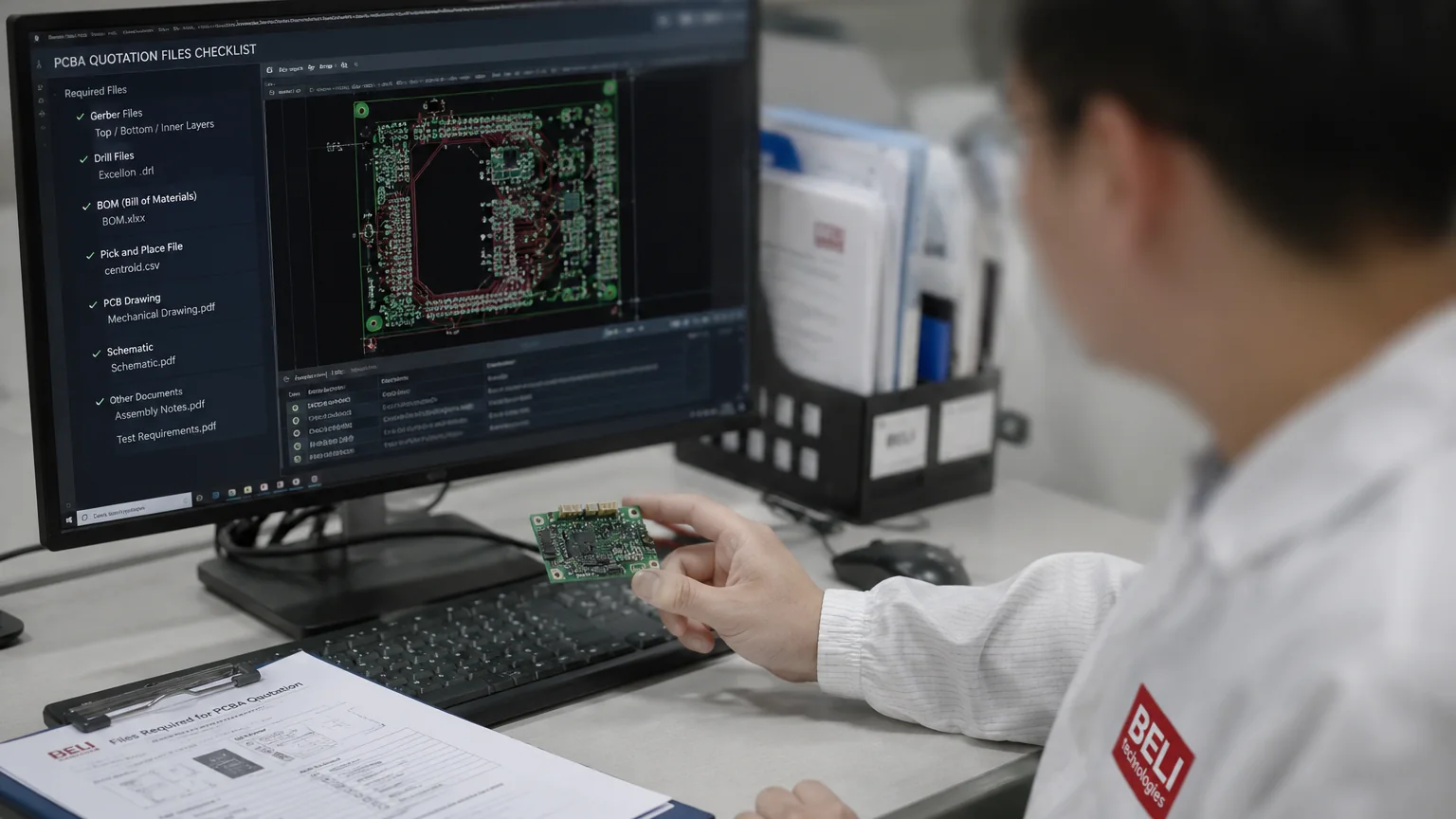
To provide an accurate PCBA quotation, a manufacturer needs a small set of design files. Incomplete or ambiguous files are the single most common reason a quote — and later, a build — gets delayed. This guide lists exactly what to send, what each file must contain, and the mistakes that cost the most time.
The Three Essential Files
| File | What it tells the manufacturer | Typical format |
|---|---|---|
| Gerber / ODB++ | Board layout: copper layers, solder mask, silkscreen, drill data | RS-274X, ODB++ (zipped) |
| BOM | Every component to buy and place, with part numbers and quantities | Excel / CSV |
| Pick-and-place (CPL) | X/Y position, rotation, and side for every SMT part | CSV / TXT from your EDA tool |
Gerber or ODB++ Files
Gerbers describe the physical board — every copper layer, solder mask, paste layer, silkscreen, and the drill file. Export the complete set from your EDA tool (KiCad, Altium, Eagle, etc.) and zip it. For bare-board fabrication quotes, Gerbers alone are enough; also state layer count, material, thickness, copper weight, and surface finish if they are not embedded in a fab notes layer.
BOM (Bill of Materials)
The BOM drives most of the cost of a turnkey order, so its quality directly affects quote accuracy. A good BOM includes one row per part with:
- Reference designators (R1, C3, U2…) matching the silkscreen and CPL
- Manufacturer and manufacturer part number (MPN) — not just a distributor SKU
- Quantity per board and package/footprint
- Approved alternates, or a note that substitution proposals are welcome — this is where a good sourcing team can save real money on long-lead parts
- DNP markings for parts that should not be populated
Pick-and-Place / Centroid File (CPL)
The CPL gives each component's X/Y coordinates, rotation, and board side, and is used to program the SMT machines. Any modern EDA tool exports it in one click. Mismatched reference designators between BOM and CPL are a leading cause of clarification rounds — export both from the same design revision.
Helpful but Optional
- Assembly drawings or a 3D render — resolves orientation questions for polarized parts and connectors
- Test requirements — if you need ICT or functional test, describe pass/fail criteria so fixtures can be quoted
- Special processes — conformal coating, potting, or box-build requirements
- Panelization preferences — or let the manufacturer propose the most economical panel
Common Mistakes That Delay Quotes
- BOM rows without an MPN ("10k resistor" is not orderable)
- Missing drill file in the Gerber set
- BOM and CPL exported from different design revisions
- No indication of which parts allow alternates during shortages
- Quantities that don't state whether they are per-board or per-order
What Happens After You Send Files
At BELI, incoming files go through a DFM (Design for Manufacturability) and BOM review before quoting — footprint issues, sourcing risks, and long-lead parts get flagged up front rather than mid-build. Quotes are returned within 24 hours, 7 days a week (GMT+8). For turnkey orders including component sourcing, plan for 2–3 weeks end to end; quick-turn prototype assembly takes 48 hours once boards and parts are ready.
You can attach all of these files directly on the contact page — up to 5 files, 25 MB each, 60 MB total — so the Gerber set, BOM and centroid arrive with your RFQ in one message. Have your files ready — or not sure they're complete? Send what you have and our engineers will tell you exactly what's missing.
Related reading: PCB vs PCBA: What's the Difference? · Key Questions to Ask Before Outsourcing PCBA